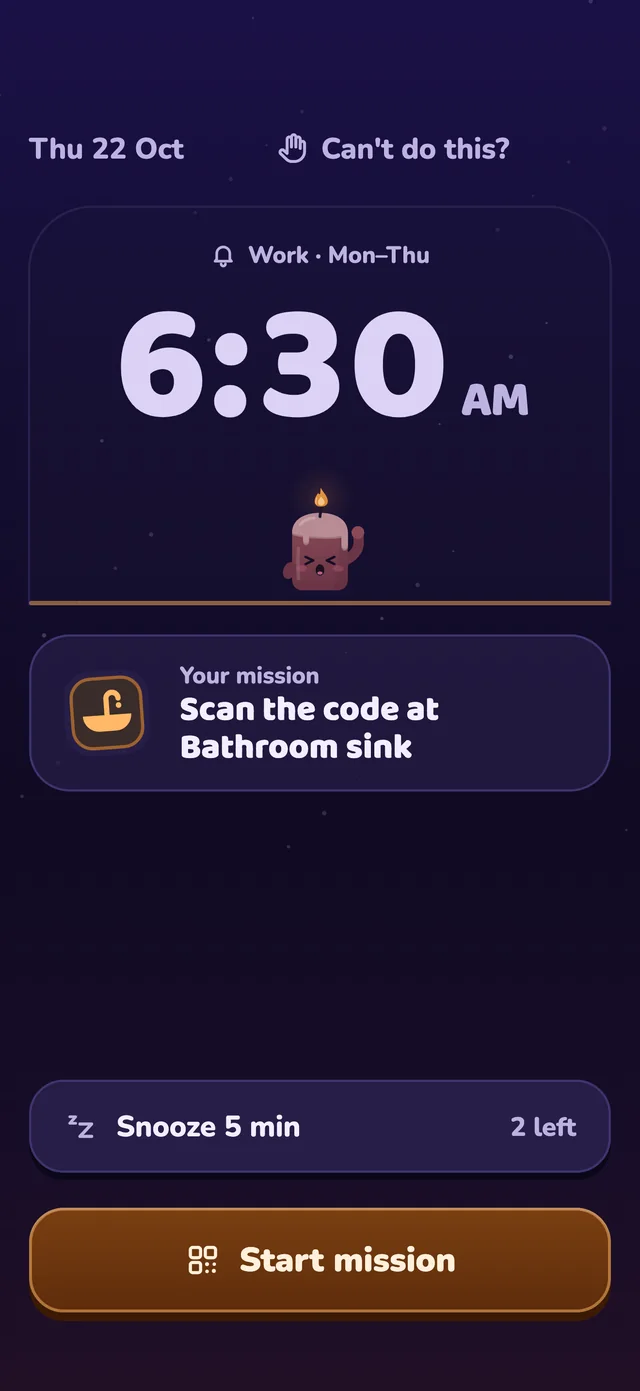
Spares are earned, never sold
Every seven kept mornings earns a spare, up to two. Miss a morning and a spare covers it.
 Alarm app for heavy sleepers
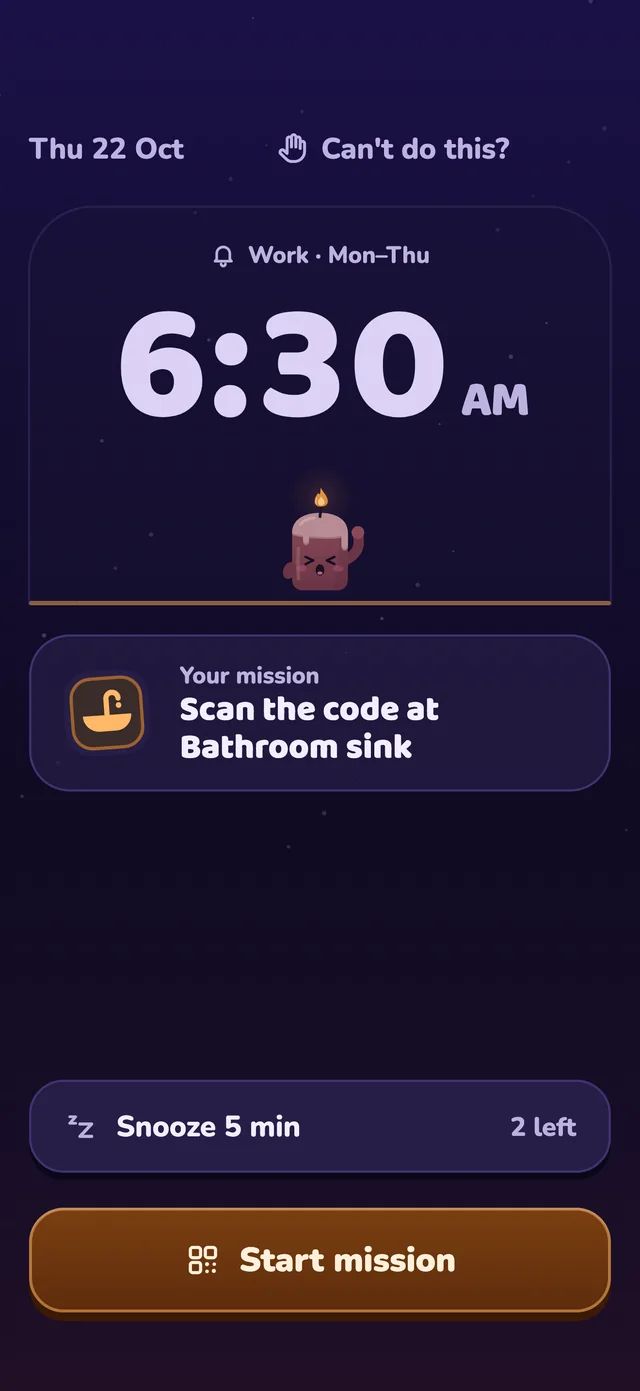
Daywick rings loud, then gets you out of bed with a small mission—scan the code by your sink, solve a few sums or do a few push-ups.



How it works
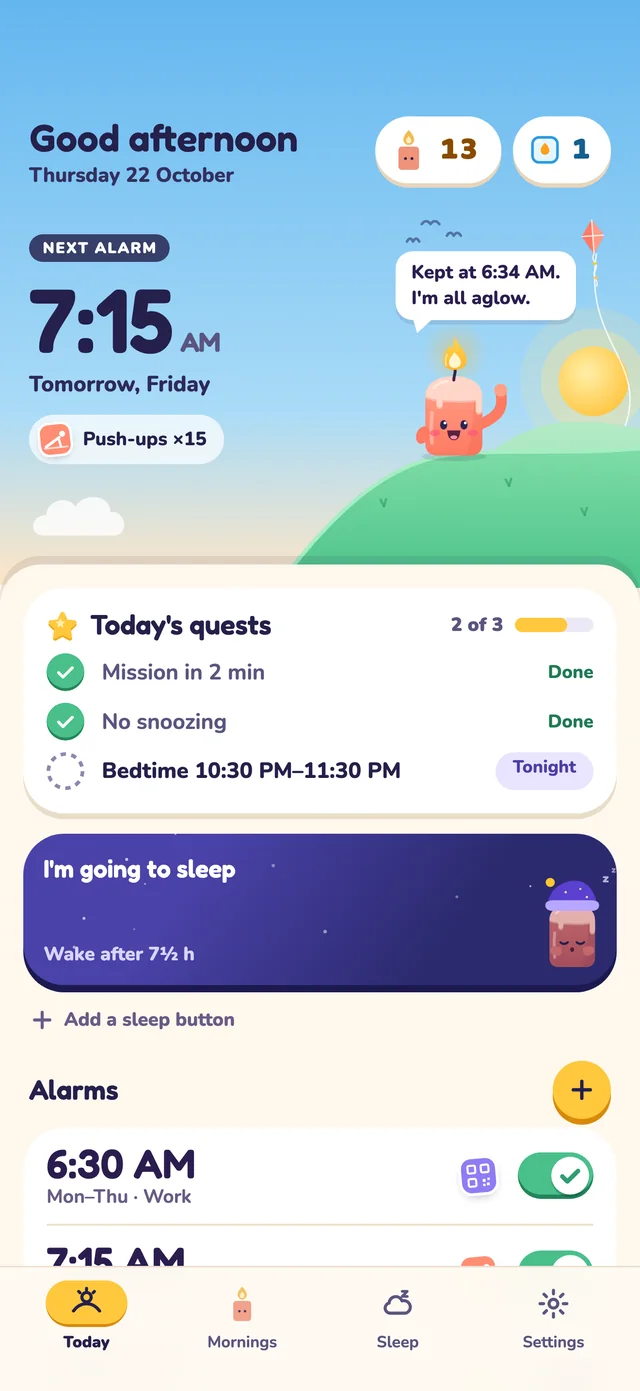
Set your alarm and choose what gets you up: scan, math, movement or a short walk.
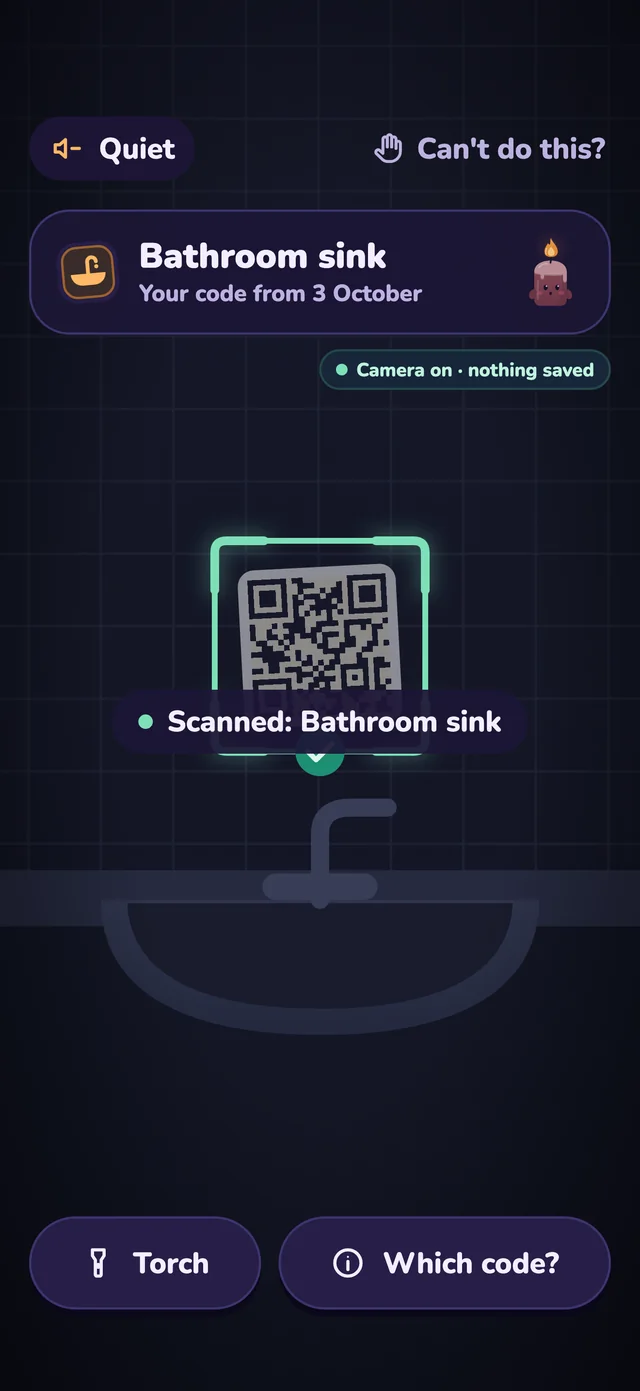
The mission is how you switch it off, so you are on your feet before it goes quiet.
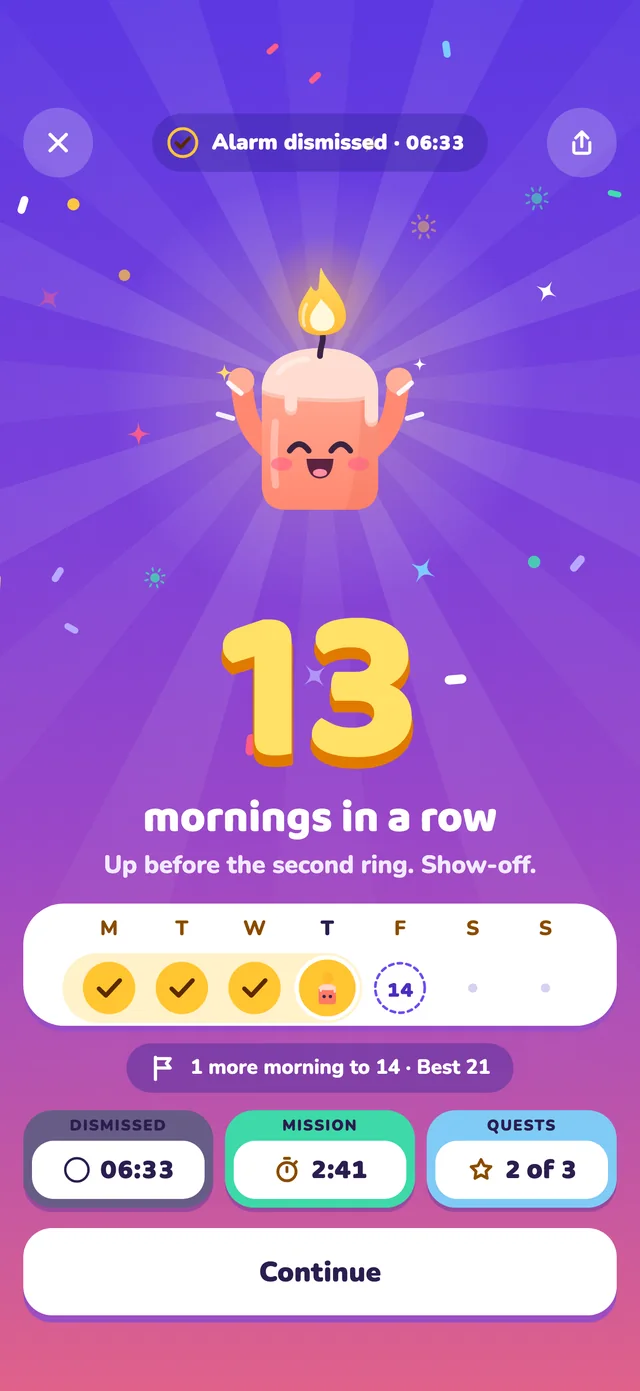
Every morning you keep makes Wick brighter. Miss one and nothing is taken away.
Missions
Every mission is available from the start. Missions run on your phone, and you can practise one before relying on it.
Put a QR code or product barcode by the sink. You have to walk over to scan it.
A few easy sums—enough to switch your head on without spoiling the morning.
Counted on your phone. The camera view is not recorded or uploaded.
Take a short walk with your phone in your hand or pocket.
Shake your phone a set number of times. Hard to do with your eyes shut.
Type a phrase exactly or match a place in your home with the camera.
Free: one mission per alarmPremium: up to three in a row
For heavy sleepers
Loud when it needs to be, with clear checks for what your phone can control.
Set an alarm to full volume and use “Will it ring?” to catch low or muted alarm volume.
Choose a twin bell, digital beeper, brass fanfare, driving drums or a gentler fade-in.
Designed to ring over the lock screen, with platform-specific safeguards for iPhone and Android.
If an alarm is stopped before the mission, backup alarms can ring again a few minutes later.
Premium can check again after you stop the alarm. No answer means it rings again.
Stop safely if the mission is impossible, or immediately if you are driving or unsafe.
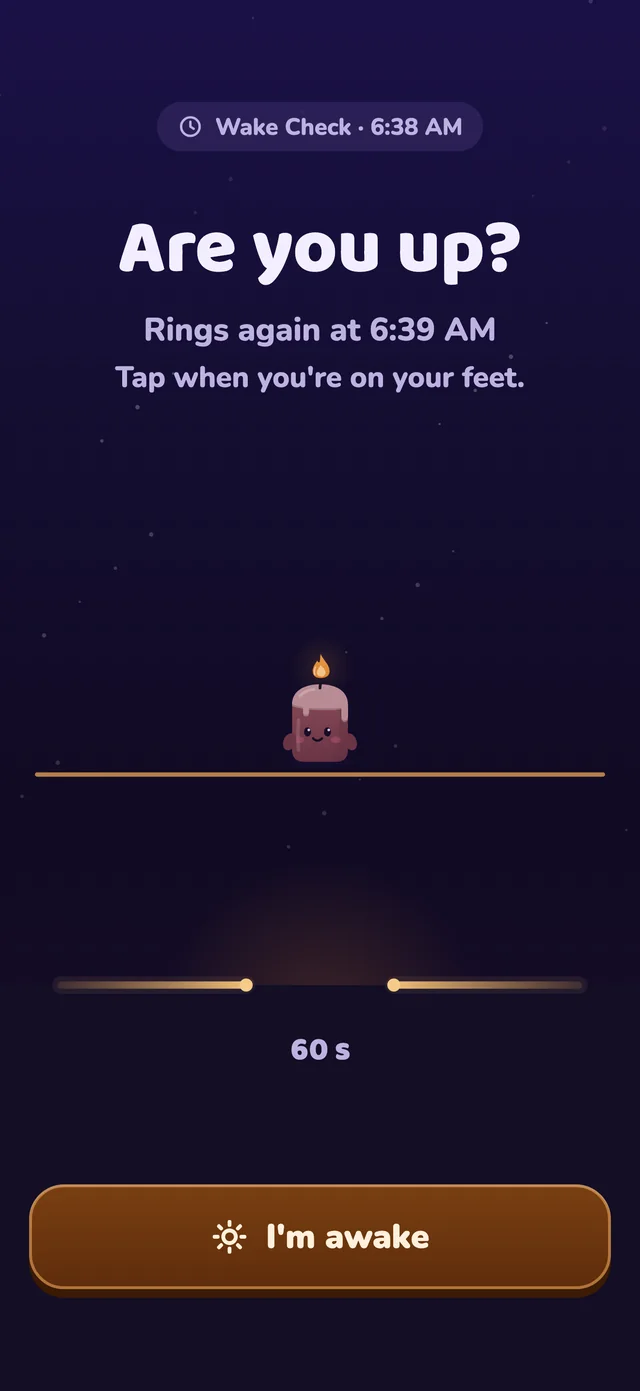
Check your phone once. Run the 5-second test alarm and “Will it ring?” check. Some battery-saving settings can stop third-party alarms, so Daywick shows what to fix.
Get supportStreaks
Wick’s light is your streak. Keep a morning and it grows from a spark to a beacon.
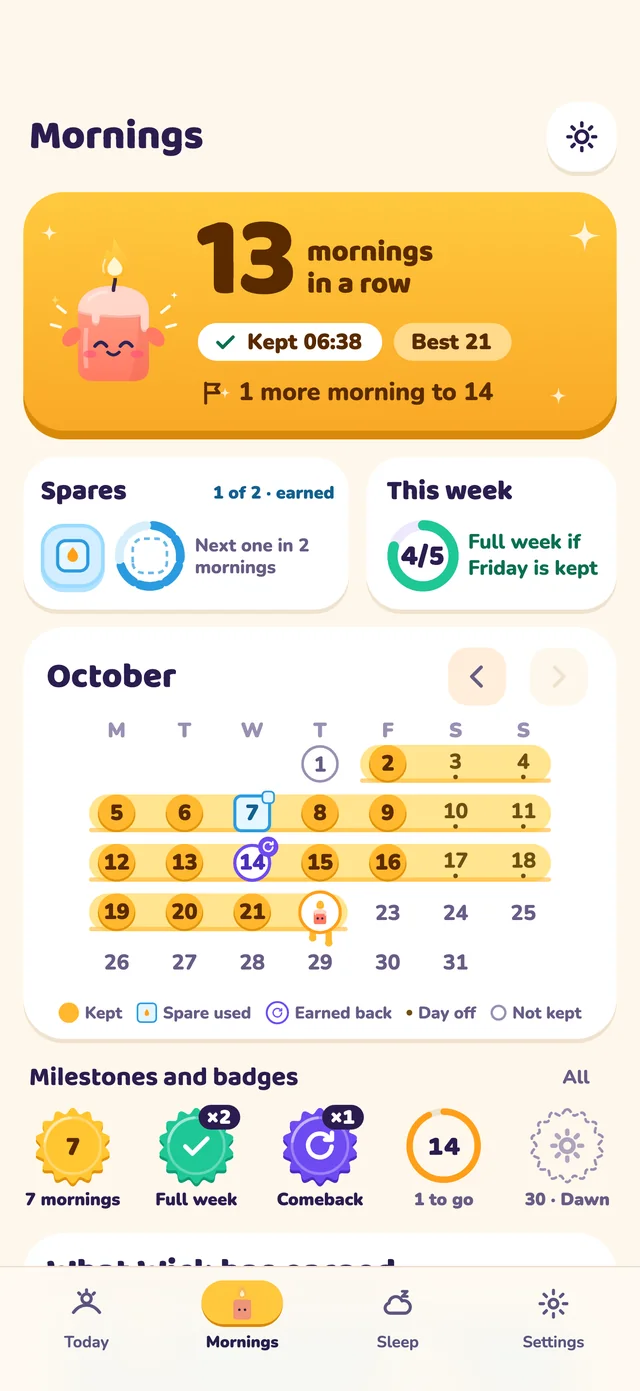
Every seven kept mornings earns a spare, up to two. Miss a morning and a spare covers it.
Missed one? Keep the next morning or complete a short reset to restore momentum.
Wick is never sad at you. Days off do not count against you, and your best run stays.
Sleep
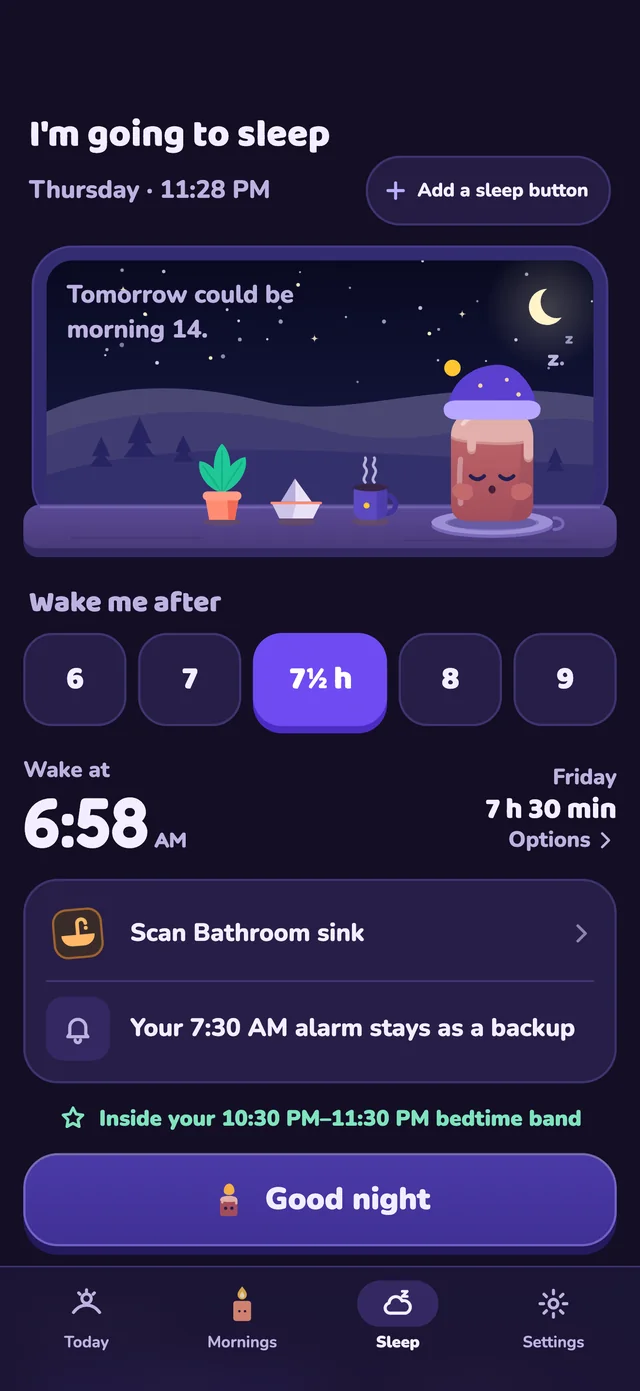
One tap sets an alarm for the sleep you want—6, 7, 7½, 8 or 9 hours—without replacing your regular backup alarm.
Home Screen widget · Lock Screen widget · Control Center · Action button
Home screen widget · Quick Settings tile · App shortcut
Daywick is not a medical device and does not diagnose or treat sleep problems.

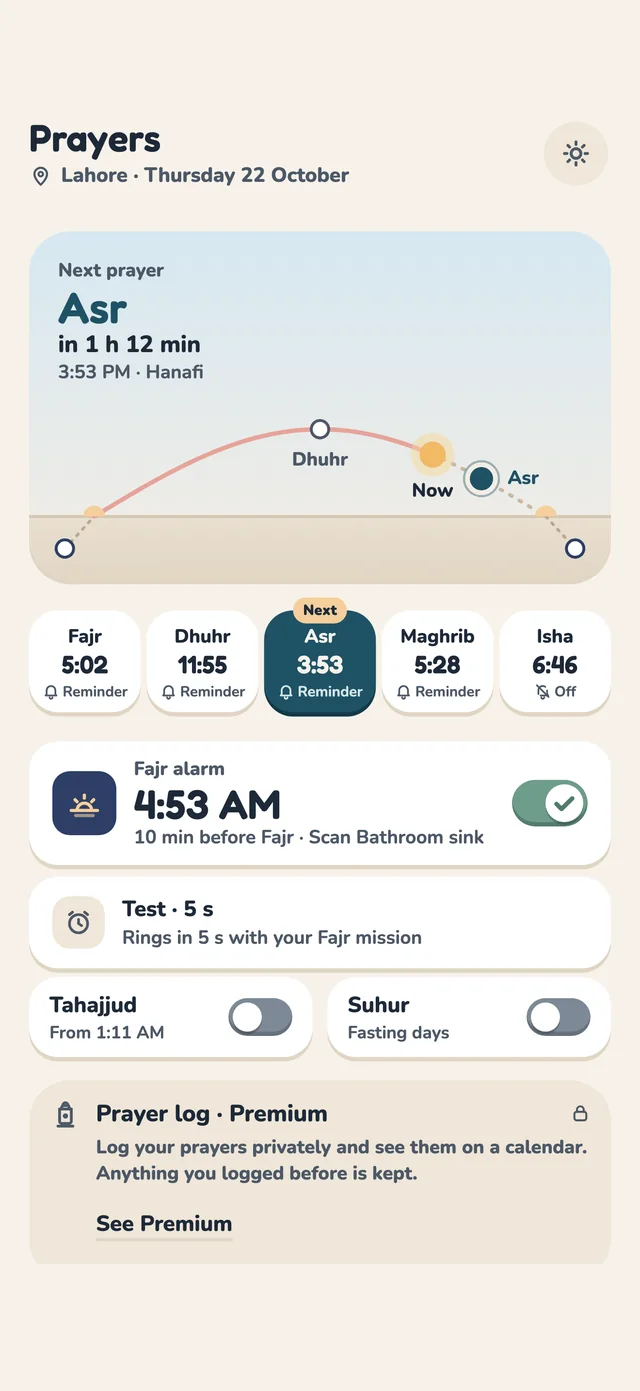
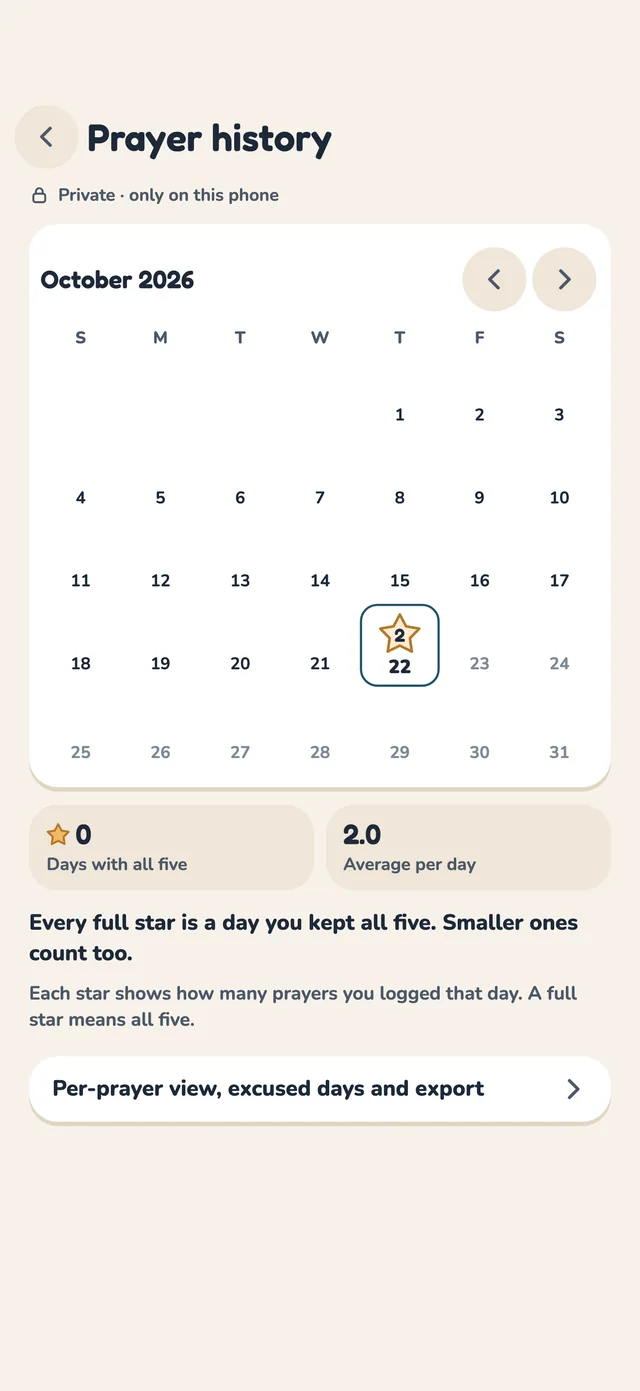
Optional · off unless you turn it on
Hidden while it is off, so Daywick stays an alarm clock first. Turn it on to add:
Prayer times can differ from your mosque’s timetable; adjust them to match.
Privacy
No sign-up, no profile, nothing to log in to.
Languages
Daywick uses your phone’s language. Change it any time in Settings.
Pricing
Every mission and every reliability setting is free. Stopping an alarm never needs Premium.
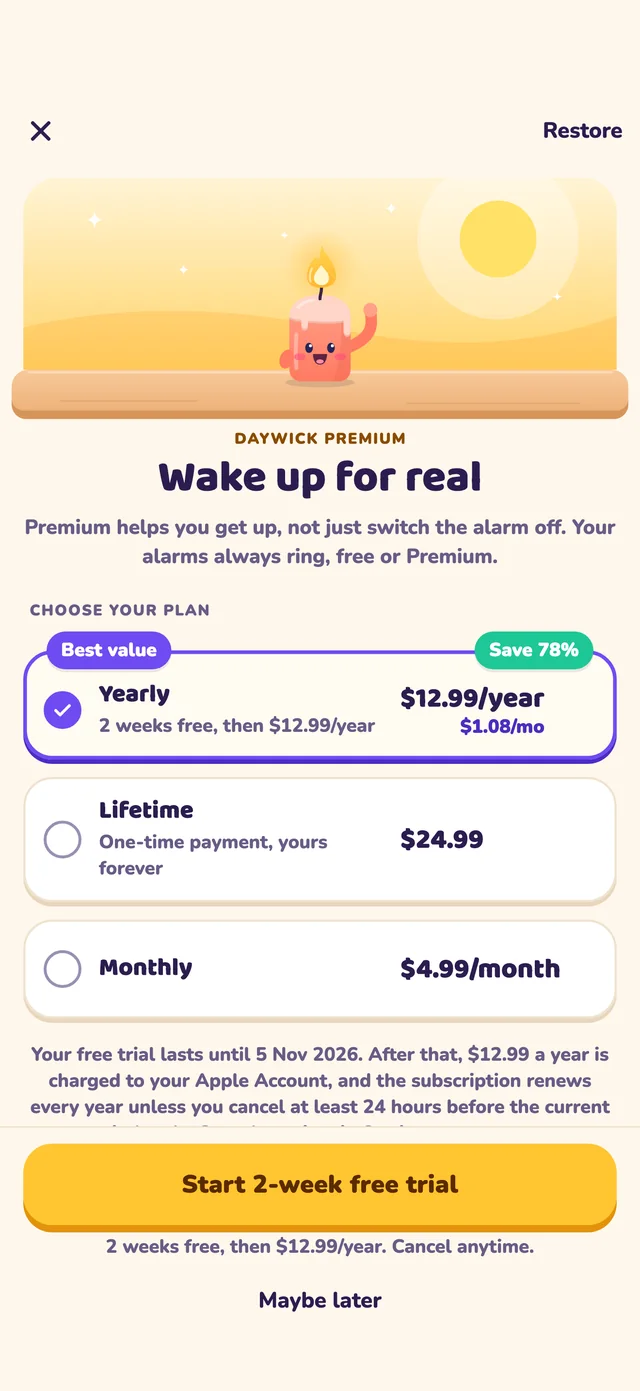
Monthly
Yearly
Lifetime
Every mission
Up to 5 free alarms
Test alarm & reliability check
Streaks, spares & comebacks
Premium: unlimited alarms
Premium: Wake Check & full history
US prices shown. The App Store or Google Play will show the price in your currency before purchase. Subscriptions renew automatically until cancelled; exact terms will be shown in the app store.
On Android, Daywick alarms use the alarm volume rather than the ringer volume. On supported iPhone versions, Daywick uses Apple’s alarm system. The built-in “Will it ring?” check and 5-second test alarm help you verify your phone before relying on it.
Daywick is designed as an alarm app for heavy sleepers. It combines loud alarm tones with missions such as scanning a code, solving math, doing push-ups or walking so you must become active before the alarm stops.
Yes. Daywick is free to start, including every mission and the core alarm reliability tools. Premium adds unlimited alarms, longer history, Wake Check and up to three missions in sequence.
Yes. Alarms, missions and prayer times run on your phone. An internet connection is only needed for actions such as buying or restoring Premium.
Daywick requires no account. Alarm data, sleep records, approximate location settings and prayer logs stay on your phone. Camera missions use the live image without recording or uploading it.
No. Prayer mode is optional and remains hidden until you turn it on. Daywick stays an alarm clock first.
Daywick is designed for iPhone and Android. Alarm behavior can vary by operating system and battery settings, so run the in-app test alarm and reliability check on your phone.
Every ringing screen includes a safe way out for situations where the mission is not possible or you are driving or otherwise unsafe.
Daywick is coming soon
Free to start. Set an alarm, choose a mission and run the 5-second test.