

Are sitemaps necessary for SEO? Not strictly, but they are strongly recommended and effectively necessary for most real sites. Google can crawl a small, well-linked website without one. For everyone else, a large site, a new site with few links, a media-heavy site, or one with messy internal linking, an XML sitemap is how Google reliably finds all your pages. It takes five minutes to set up and has no downside.
The one thing to be clear about, because half the internet gets this wrong: a sitemap helps Google discover your pages. It does not boost your rankings. Discovery is not endorsement. This guide gives you the honest verdict, exactly when you need one, and what a sitemap can and cannot do for you.
Are sitemaps necessary for SEO? The short answer
A sitemap is not technically required, but it is strongly recommended for almost every site. Google can find a small, well-linked site without one, but a sitemap ensures it discovers all your pages, which matters more the larger or less-linked your site is.
So the precise answer is no, not required, but yes, you should have one. The setup cost is near zero and the discovery benefit is real, so the only sites that can safely skip it are small and already well-linked. For everyone else, a sitemap is a basic best practice, not an optional extra.
What an XML sitemap does
An XML sitemap is a file listing the pages on your site that you want search engines to find. Its job is discovery: it gives Google a direct map of your important URLs so they can be crawled efficiently, especially pages that are new or hard to reach through links.
Think of it as handing Google a directory instead of making it wander the building. Google still crawls your site by following links, but a sitemap guarantees it has a complete list to check against, so new pages get found faster and pages buried deep in your structure do not get missed. That is the whole value: faster, more complete discovery. It is genuinely useful, and it is also more modest than a lot of SEO advice implies, because discovery is where its job ends.
When you need a sitemap, and when it is optional
You likely need a sitemap if your site is large, brand new with few backlinks, media-heavy, or poorly linked internally. You can probably skip it only if your site is small, around 500 pages or fewer, and every page is reachable through good internal links.
This is not our opinion; it is Google's own guidance. Google says you might not need a sitemap if your site is "small" (about 500 pages or fewer) and comprehensively linked, but you likely need one if the site is large, new with few external links, rich in video or images, or shown in Google News.
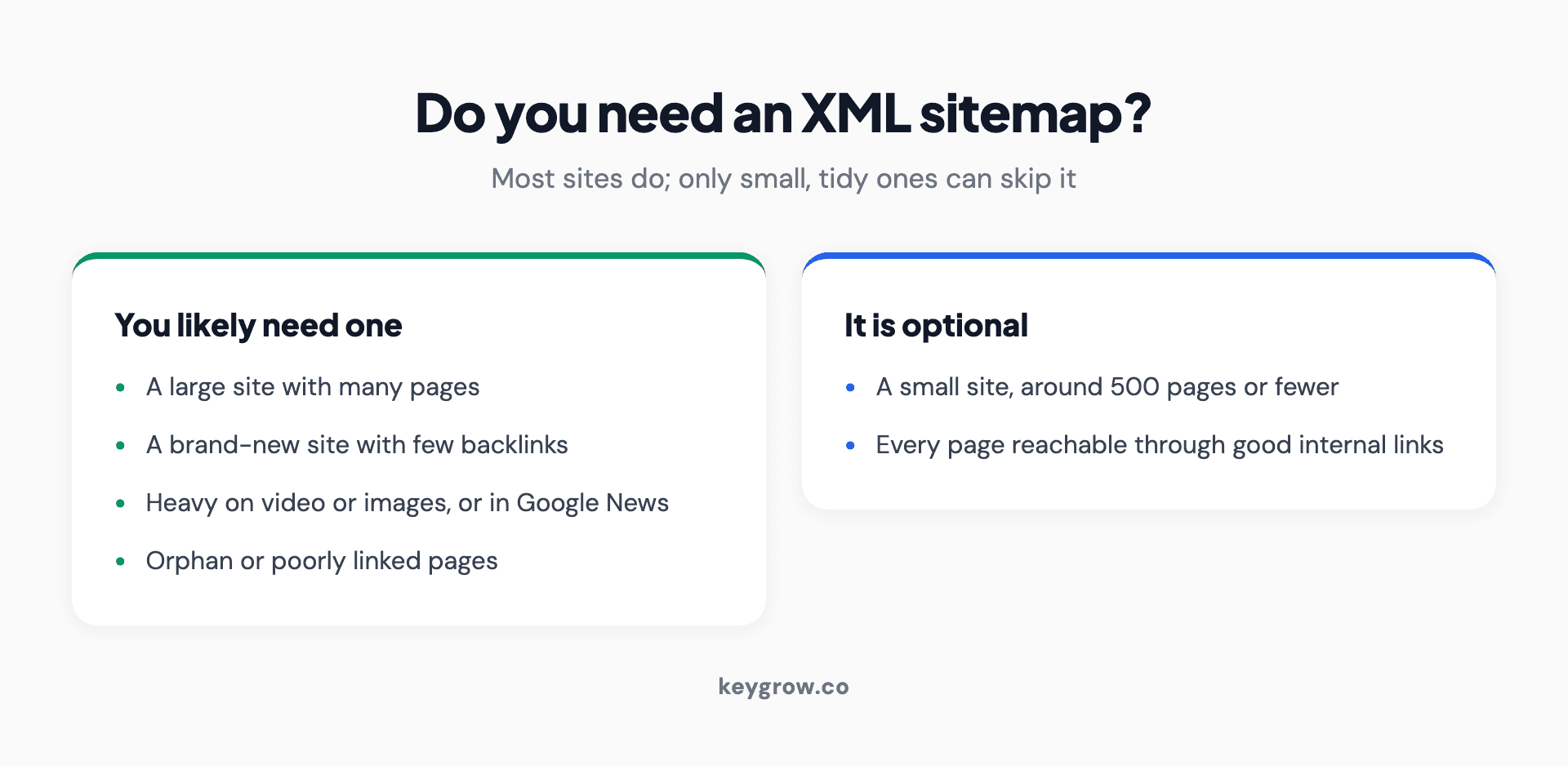
Infographic comparing when you need an XML sitemap versus when it is optional. You likely need one if your site is large, brand new with few backlinks, heavy on video or images or in Google News, or has orphan and poorly linked pages. It is optional only if your site is small at around 500 pages or fewer and every page is reachable through good internal links.
Read the two columns and the pattern is clear. The sites that can skip a sitemap are the exceptions: tiny and tidy. The moment a site grows, launches new, leans on media, or develops the messy internal linking that real sites accumulate, a sitemap moves from nice-to-have to the reliable way Google finds everything. Since most sites are heading toward bigger and messier, not smaller and tidier, the safe default is simply to have one.
A sitemap helps Google find pages, not rank them
A sitemap aids discovery and crawling. It does not improve rankings and does not guarantee that the pages in it get indexed. Google treats a sitemap as a hint, not a command.
This is the most important and most misunderstood point. Submitting a sitemap will not lift your rankings, and being listed in one does not mean a page will be indexed. Google is explicit: its guidance states that while a sitemap can help Google learn about your site, it does not guarantee indexing or increase your site's ranking. Google also describes submitting a sitemap as merely a hint that it does not have to act on. Ahrefs puts it the same way: sitemaps tell Google where your important pages are, but Google does not have to index them, and sitemaps have nothing to do with rankings.
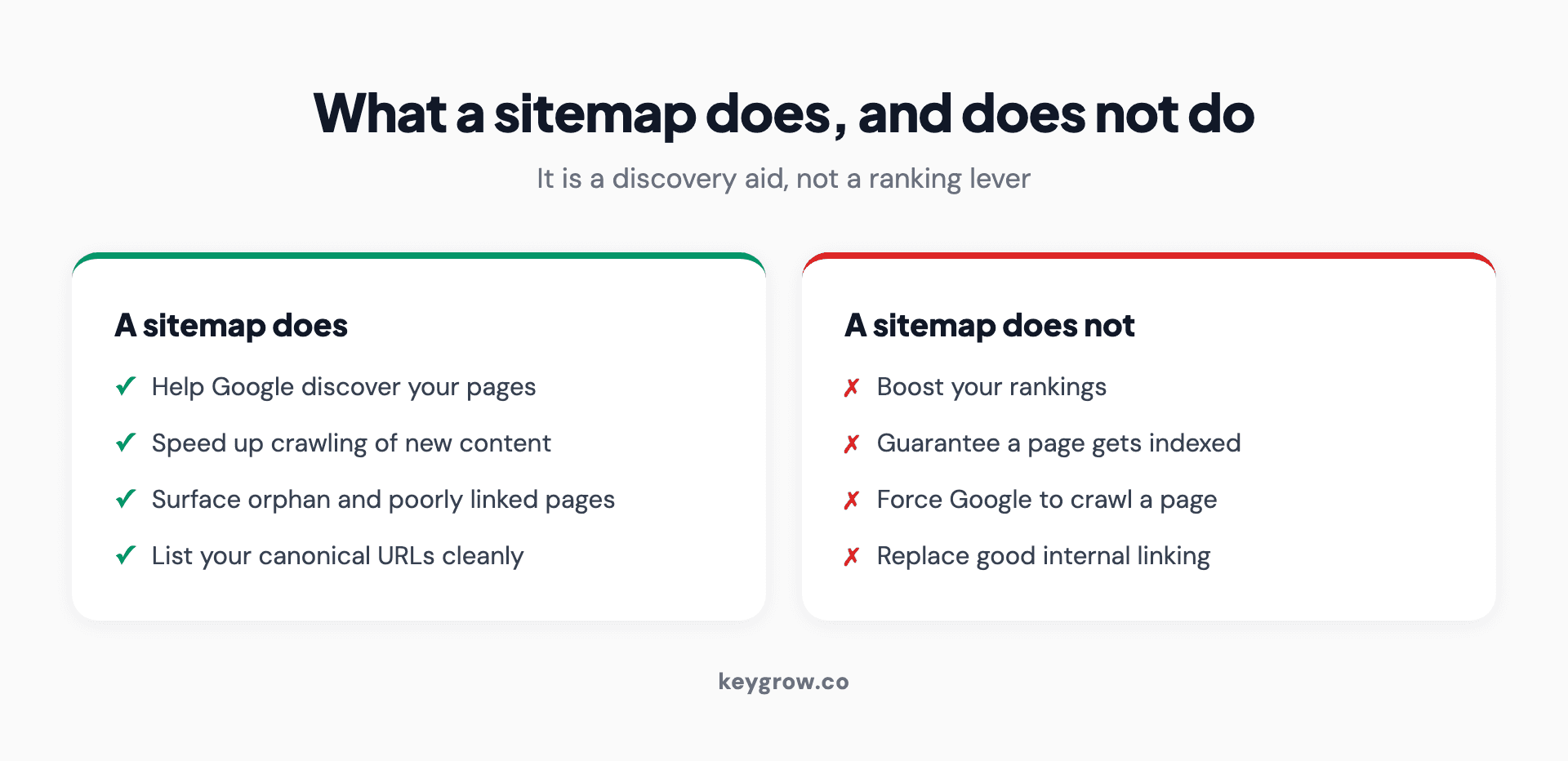
Infographic showing what an XML sitemap does and does not do. A sitemap does: help Google discover your pages, speed up crawling of new content, surface orphan and poorly linked pages, and list your canonical URLs cleanly. A sitemap does not: boost your rankings, guarantee a page gets indexed, force Google to crawl a page, or replace good internal linking.
Here is the opinion to take away: a sitemap gets your pages seen, not ranked. It is a doorway, not a recommendation letter. A bad page in your sitemap is still a bad page; Google will find it faster and then decline to rank it just the same. So build the sitemap for discovery, and do the actual SEO, content, links, and crawlable structure, separately. The two jobs do not substitute for each other.
What to include in your sitemap, and what to leave out
Include only the canonical, indexable pages you want in search results. Leave out noindex pages, non-canonical duplicates, redirected URLs, and error pages. A clean sitemap of good URLs is far more useful than a complete list of every URL on the site.
A messy sitemap full of pages you do not want indexed sends Google mixed signals and wastes the discovery benefit. Google advises including only the canonical URL when you have duplicate content, rather than every URL that leads to the same page.
| Include | Leave out |
|---|---|
| Canonical, indexable pages | Pages set to noindex |
| Pages you want in search results | Non-canonical or duplicate URLs |
| Important content and service pages | Redirected (301) and error (404) URLs |
| Pages that may be hard to reach by link | Utility pages like thank-you or login |
Keeping the sitemap to clean, canonical URLs is the same discipline that prevents the duplicate content problems an audit looks for, and it is exactly what a technical SEO audit checks.
How to create and submit a sitemap
For most sites, you do not build a sitemap by hand. Your CMS generates one automatically, and you submit it once in Google Search Console. The whole task takes about five minutes.
This is the part that should reassure anyone overthinking it. Platforms like WordPress (with an SEO plugin) and Squarespace generate and update your XML sitemap automatically, usually at /sitemap.xml. Your job is simply to find that URL, submit it in the Search Console Sitemaps report, and add a line pointing to it in your robots.txt file so other search engines find it too. Then you check the Sitemaps report occasionally for errors. That is the entire job. If you just launched a redesign, resubmitting the sitemap is also a step in our guide to redesigning without losing SEO. This is a checkbox, not a project, and it is firmly in do-it-yourself territory. Nobody needs to be paid to submit a sitemap. Our step-by-step walkthrough of submitting a sitemap covers the platform-by-platform paths, the errors in the report, and the retired ping URL that older guides still list.
Do sitemaps matter for AI search?
Yes, in the same way they matter for Google: discovery. AI crawlers and answer engines still have to find your pages before they can cite them, and a sitemap gives them the same complete list of URLs it gives Google.
The 2026 version of this question has the same answer as the classic one. Answer engines and AI crawlers pull from pages they can find and access, so anything that helps them discover your content, a clean sitemap included, helps your odds of being surfaced. As with Google, it is a discovery aid, not a ranking or citation guarantee. The fundamentals that make you findable and worth citing, covered in our guide to AI search optimization, are still what decide whether you get used.
FAQs
Are sitemaps necessary for SEO?
Not strictly, but they are strongly recommended for nearly every site. Google can crawl a small, well-linked site without one, but a sitemap ensures it discovers all your pages, which matters more as your site grows or if it is new, media-heavy, or poorly linked. Since setup takes minutes and has no downside, the safe default is to have one.
Do I need a sitemap if my site is small?
Possibly not. Google says a small site, around 500 pages or fewer, that is comprehensively linked internally can be crawled fine without a sitemap. That said, most CMSs generate one automatically, so there is little reason to go without. If your small site has any orphan or poorly linked pages, a sitemap still helps Google find them.
Does a sitemap improve my Google rankings?
No. A sitemap helps Google discover and crawl your pages, but Google is explicit that it does not increase rankings and does not guarantee indexing. Discovery is not the same as ranking. A sitemap gets pages seen faster; whether they rank still depends on content, links, and overall quality, the same as any page.
Does Google automatically find my sitemap without me submitting it?
Sometimes, especially if you reference it in your robots.txt file, but you should still submit it in Google Search Console. Submitting it directly is the most reliable way to make sure Google knows about it, and the Sitemaps report then shows you any errors and how many of your submitted URLs are indexed.
How often should I update my sitemap?
For most sites, never manually, because your CMS updates the sitemap automatically whenever you add or remove pages. You do not need to resubmit it each time. The main moments to check it are after a big site change or redesign, when you want to confirm the new URLs are listed and the old ones are gone.
What is the difference between an XML sitemap and an HTML sitemap?
An XML sitemap is a file built for search engines, listing your URLs so they can be discovered and crawled. An HTML sitemap is a page built for human visitors, linking to your main pages for navigation. For SEO discovery, the XML sitemap is the one that matters. HTML sitemaps are a usability aid and are far less important than they once were.
Which pages should I leave out of my sitemap?
Leave out anything you do not want in search results: pages set to noindex, non-canonical or duplicate URLs, redirected pages, error pages, and utility pages like login or thank-you screens. Include only the canonical, indexable pages you want found. A clean sitemap of good URLs is more useful to Google than a complete list of every URL.
Do sitemaps help with AI search and answer engines?
Yes, as a discovery aid. AI crawlers and answer engines need to find your pages before they can use them, and a sitemap gives them a complete list of your URLs just as it does for Google. It improves the odds your content is found, but like with Google, it does not guarantee you get cited. The quality of the content still decides that.
The short version
Are sitemaps necessary for SEO? Not strictly, but yes for practical purposes. Only a small, thoroughly linked site can safely skip one, and even then the CMS usually generates a sitemap for free. For large, new, media-heavy, or loosely linked sites, a sitemap is how Google reliably finds everything you publish. The setup is a five-minute checkbox with no downside.
Just keep the expectation honest: a sitemap gets your pages discovered, not ranked. Getting found is the easy part; ranking is the separate job, and that is where your real effort belongs. So submit a clean sitemap of your canonical URLs, then put your energy into the content and links that move rankings. If you want a second set of eyes on whether your site is being found and indexed properly, that is part of what our SEO team checks. Tell us about your site and we will tell you whether discovery is your problem or something else is.


