

Is Showit good for SEO? Yes, for the creative businesses it is built for. You get full control over the on-page basics that matter (titles, meta descriptions, alt text), automatic SSL, and a noindex toggle. The part most people miss is the one that matters most: your Showit blog runs on WordPress, the same engine behind most of the content-ranking web.
So the SEO answer is better than Showit's reputation suggests. The design canvas gives you creative freedom, and the WordPress blog behind it gives you a genuinely strong content engine. The honest catches are that Showit makes you set heading tags by hand, and its image-heavy design style can produce slow pages if you are not careful. Both are fixable. This guide walks through how Showit's SEO actually works, what you control, the two real pitfalls, and the cases where Showit is the wrong tool entirely.
Is Showit good for SEO?
Yes, for creatives, photographers, and service businesses that want design freedom. Showit gives you the on-page SEO controls that matter and runs your blog on WordPress, so the content engine is strong. The main risks, manual headings and heavy images, are yours to manage.
Showit gets a nervous reputation because it is a visual, design-first builder, and people assume design-first means SEO-weak. That is mostly a myth. The settings that actually influence rankings are all there, and the blog, where most of your real SEO work happens, sits on WordPress. The platform will not hold you back. How cleanly you build your site is a different question, and that part is on you.
How does Showit SEO actually work?
Showit splits the job in two. The visual canvas handles your design with drag-and-drop layouts and separate desktop and mobile versions. Your blog runs on a connected WordPress install, which is where the heavy content SEO happens.
This split is the single most important thing to understand about Showit and SEO, and it is the part the platform's critics usually skip. Your homepage, portfolio, and service pages are built on Showit's free-placement canvas, where you can drag any element anywhere and design the desktop and mobile views independently. Your blog, though, is powered by WordPress behind the scenes. Showit says so directly: your blog runs on WordPress, so the SEO advantages of WordPress stay intact.
That matters because WordPress is the most proven content platform on the web. As of June 2026, W3Techs reports it powers 41.5 percent of all websites and 59.3 percent of those whose CMS is known. Your blog, the part of your site most likely to rank for searches and pull in traffic, sits on that foundation, with access to WordPress SEO plugins like Yoast or RankMath on the right plan. Design freedom on the front, a serious content engine in the back.
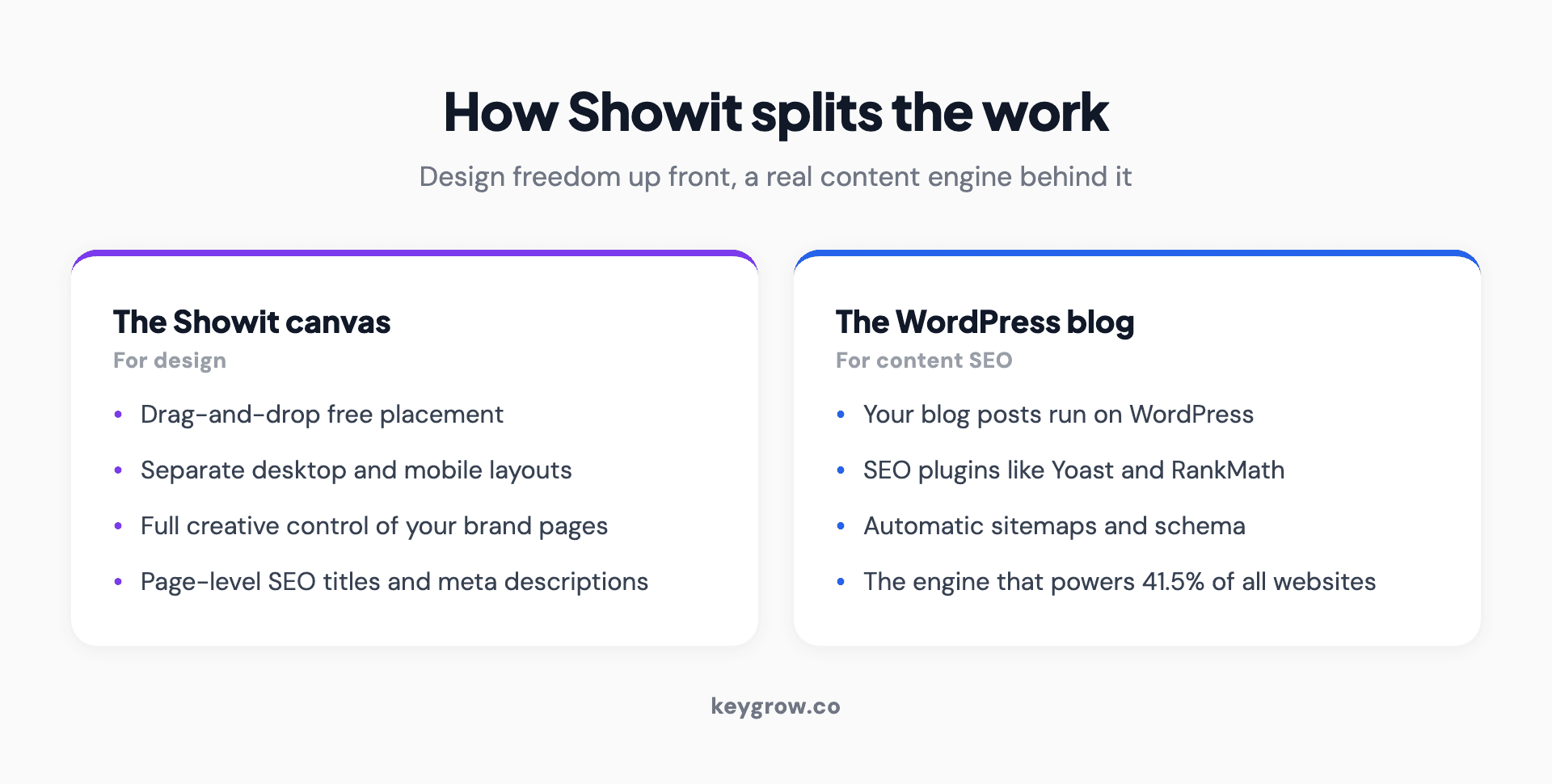
Infographic with two cards explaining how Showit splits the work. Left card titled The Showit canvas for design: drag-and-drop free placement, separate desktop and mobile layouts, full creative control of your brand pages, and page-level SEO titles and meta descriptions. Right card titled The WordPress blog for content SEO: your blog posts run on WordPress, access to SEO plugins like Yoast and RankMath, automatic sitemaps and schema, and the proven engine that powers 41.5 percent of all websites.
What SEO controls does Showit give you?
The ones that matter for ranking. Showit lets you set custom SEO titles and meta descriptions per page, add alt text and rename image files, applies SSL automatically, and includes a noindex toggle. The blog adds the full WordPress SEO toolkit on top.
Here is the practical list of what you can control, so you can see nothing important is missing:
The gap between a Showit site that ranks and one that does not is rarely about missing features. It is about whether someone used these settings. A site with blank meta descriptions and unnamed image files just has an unfinished setup, the same kind of thing a technical SEO audit is built to catch.
The heading-tag catch most Showit critics point to
Showit does not assign heading tags automatically. Making text big does not make it an H1, so you set headings manually in the text properties. Skip that and your page ships with a messy heading structure, which is where most "Showit is bad for SEO" complaints come from.
This is the one real structural quirk, and it is worth understanding rather than fearing. On most builders, a heading looks like a heading and is tagged like one automatically. On Showit's free canvas, styling and structure are separate, so large bold text is just large bold text unless you tell Showit it is an H1 or H2. Build a site without doing that and search engines see a page with no clear heading hierarchy.
The fix is simple: assign your heading tags as you build, keep to one H1 per page, and use H2s for your main sections. It takes a few extra clicks, not technical skill. The reason this matters is that critics point at the messy-heading outcome and blame the platform, when the platform just handed you control you did not use. That is the heart of the one opinion worth taking from this post: the platform is almost never the bottleneck. Google's John Mueller has said search systems do not treat any particular content management system differently, and focus on the final page rather than how it was made. A clean Showit site and a clean Squarespace site look the same to Google. A messy one looks messy regardless of the logo on the builder.
Is Showit fast enough for SEO?
It can be, but speed is on you more than on Showit. The image-heavy, full-bleed designs it encourages are the real risk, because large unoptimized images make pages slow, and slow pages lose rankings and conversions.
There is no reliable platform-wide speed benchmark for Showit, because it is too niche to appear in the large web performance studies, and anyone quoting a precise Showit speed score is guessing. So judge it by the real risk instead. Showit's audience builds beautiful, photo-led sites with big hero galleries, and image weight is the most common reason those sites load slowly.
Speed is worth the discipline because it pays. Portent found that a lead-generation site converting at almost 40 percent at a one-second load time drops to 34 percent at two seconds and 29 percent at three. For a photographer or coach whose site exists to win inquiries, that is bookings lost to slow pages. The fix is ordinary: compress images before you upload them, do not stack a dozen full-screen galleries on one page, and treat image optimization as part of building, not an afterthought. We made the fuller case in can adding more pictures increase SEO, where the answer hinges entirely on whether the images are optimized.
Is Showit or Squarespace better for SEO?
Neither is inherently better; they suit different people. Showit offers more design freedom and a WordPress-powered blog, at the cost of a steeper setup. Squarespace is simpler and more all-in-one, with less creative control. Both can rank perfectly well.
The trade-off is freedom versus simplicity.
| Showit | Squarespace | |
|---|---|---|
| Design control | Full free-placement canvas | Template-based, more constrained |
| Blogging engine | WordPress (strong for content SEO) | Built-in, simpler |
| Heading tags | Manual, you assign them | Handled more automatically |
| Setup effort | Higher, more to get right | Lower, more guided |
| Best fit | Design-led creatives who will blog | Owners who want simple and quick |
If you want a distinctive, design-led brand site and you will keep a blog, Showit's freedom and WordPress engine are worth the extra setup. If you want something simple to stand up and maintain, Squarespace is the easier road. The same control-versus-convenience choice runs through every platform comparison, including WordPress and Webflow.
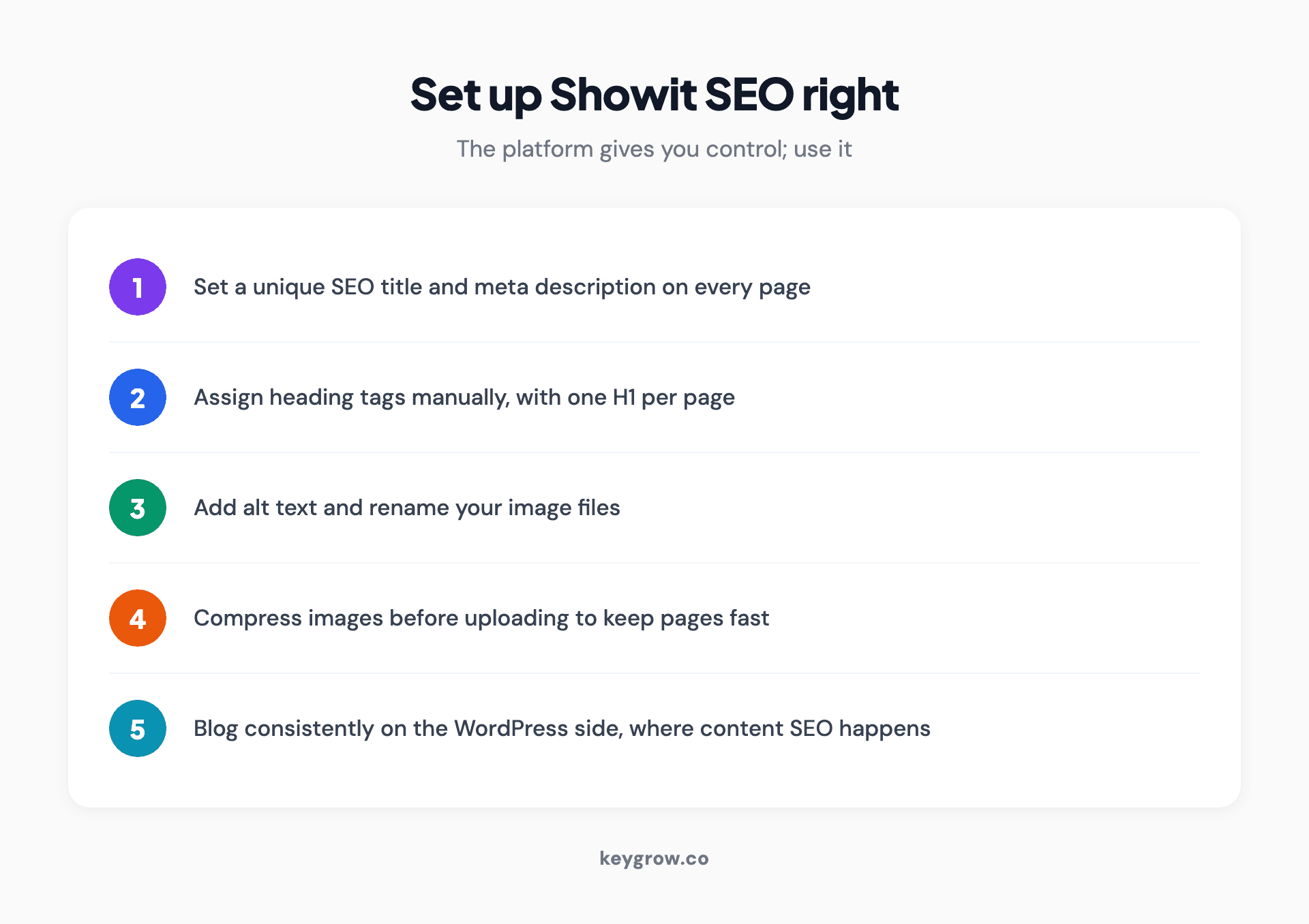
Infographic titled set up Showit SEO right, a numbered checklist of five steps: 1 set a unique SEO title and meta description on every page, 2 assign heading tags manually with one H1 per page, 3 add alt text and rename your image files, 4 compress images before uploading to keep pages fast, 5 blog consistently on the WordPress side where the content SEO happens.
When is Showit the wrong choice?
When you need a real online store, or when you will not keep up the WordPress blog. Showit is not built for ecommerce, and its biggest SEO advantage is the blog, so skipping the blog means paying for design freedom alone.
Be honest about your situation. If you sell products and need a proper store with carts, product pages, and inventory, Showit is the wrong tool, and a purpose-built ecommerce platform like Shopify will serve you far better. And if you know you will never actually publish blog posts, you are leaving Showit's strongest SEO feature switched off, in which case a simpler builder may suit you better. Showit rewards the creative who wants a striking brand site and will feed the blog. For a product-first store or a set-and-forget owner, it is a poor match. Pick the tool that fits the job, then put your energy into content and links.
Does Showit work for AI search?
Yes, on the same terms as Google. Answer engines pull from pages they can crawl and trust, and a clean, fast Showit site with a WordPress blog is easy for them to read. The platform is not the issue; being a citable source is.
The 2026 question has the same answer as the classic one. AI Overviews and answer engines favor fast, well-structured pages with real expertise, and that comes down to content and setup. Build your Showit site cleanly, keep it fast, and publish genuinely useful posts, and you are as eligible to be cited as anyone. The fundamentals are in our guide to AI search optimization.
FAQs
Is Showit good for SEO?
Yes, for creative and service businesses. Showit gives you the on-page controls that matter (SEO titles, meta descriptions, alt text), automatic SSL, and a noindex toggle, and your blog runs on WordPress, a strong content-SEO engine. The two real risks are manual heading tags and image-heavy pages that load slowly, both of which you control. The platform itself will not hold your rankings back.
Does Showit use WordPress?
Yes, for blogging. Showit hosts your design canvas, but your blog runs on a connected WordPress install. That is a real advantage, because WordPress is the most proven content platform on the web and supports SEO plugins like Yoast and RankMath on the right plan. You design the blog layout in Showit and write and manage posts through WordPress.
Can you rank a Showit website on Google?
Yes. Nothing in Showit prevents top rankings. Google's John Mueller has said search systems do not treat any CMS differently and judge the final page, not how it was built. So ranking comes down to useful content, clean setup (including heading tags), fast pages, and earned authority, the same as on any platform. If a Showit site is not ranking, the cause is usually setup or content, not Showit.
Is Showit bad for SEO because of heading tags?
No, but it does make you do the work. Showit does not assign heading tags automatically, and making text large does not make it an H1, so you must set headings manually in the text properties. Skip that and your page has a messy heading structure, which is where the bad reputation comes from. Assign one H1 and clear H2s as you build and the issue disappears.
Is Showit or Squarespace better for SEO?
Neither is inherently better. Showit offers more design freedom and a WordPress-powered blog but takes more setup. Squarespace is simpler and more guided, with less creative control and heading tags handled more automatically. Both can rank well, so choose based on whether you value design freedom and a strong blog (Showit) or simplicity (Squarespace).
Does Showit slow down site speed?
Not by itself. There is no reliable platform-wide Showit speed score, and the real risk is the image-heavy designs Showit encourages. Large, unoptimized photos and stacked full-screen galleries are what make a Showit site slow. Compress your images before uploading, limit heavy galleries per page, and your site can be plenty fast. Speed on Showit is mostly about how you build, not the platform.
Do I need the Advanced Blog plan for SEO on Showit?
For full plugin control, yes. Showit's higher blog tier is what lets you install third-party WordPress plugins like Yoast or RankMath, which give you finer control over metadata and on-page SEO. You can still set SEO titles, meta descriptions, and alt text without it, so the basics are covered on any plan, but serious blog-driven SEO benefits from the plugin access.
The short version
Is Showit good for SEO? Yes, for the creatives it is made for. You control the on-page basics that matter, you get automatic SSL and a noindex toggle, and your blog runs on WordPress, the strongest content engine on the web. The reputation problem comes from two fixable things: Showit makes you assign heading tags by hand, and its photo-led design style can produce slow pages if you do not compress your images.
Neither is a platform ceiling. The honest verdict is the one that holds for every builder: it is rarely what is holding you back. Use Showit if you want a design-led brand site and will keep a blog, skip it if you need a store or will not blog, and then spend your effort where rankings are actually won, on clean setup, fast pages, and useful content. If you want a straight read on whether your platform is the problem or your setup is, that is what our SEO team checks first. Tell us about your site and we will tell you where the real issue is.


